Top 15 Jira Competitors in 2026: Features & Pricing
Explore the top Jira competitors for diverse project management needs.
What Does Jira Actually Do Well?
Atlassian Jira is built around agile software development: Scrum and Kanban boards, customizable workflows, bug and issue tracking, and detailed reporting, backed by one of the largest third-party integration ecosystems of any project management tool. Its pull is scalability and customizability: small teams and large enterprises alike can shape it to fit their exact workflow, at the cost of a steeper learning curve than most of the alternatives below.
How Do the 15 Alternatives Compare on Price?
Feature lists only tell half the story; the other half is what each tool actually costs once a team scales past a free tier. Figures below are approximate entry-level paid pricing as of 2026 and change often, confirm current numbers directly with each vendor before budgeting.
The 15 Jira Alternatives
1. Asana
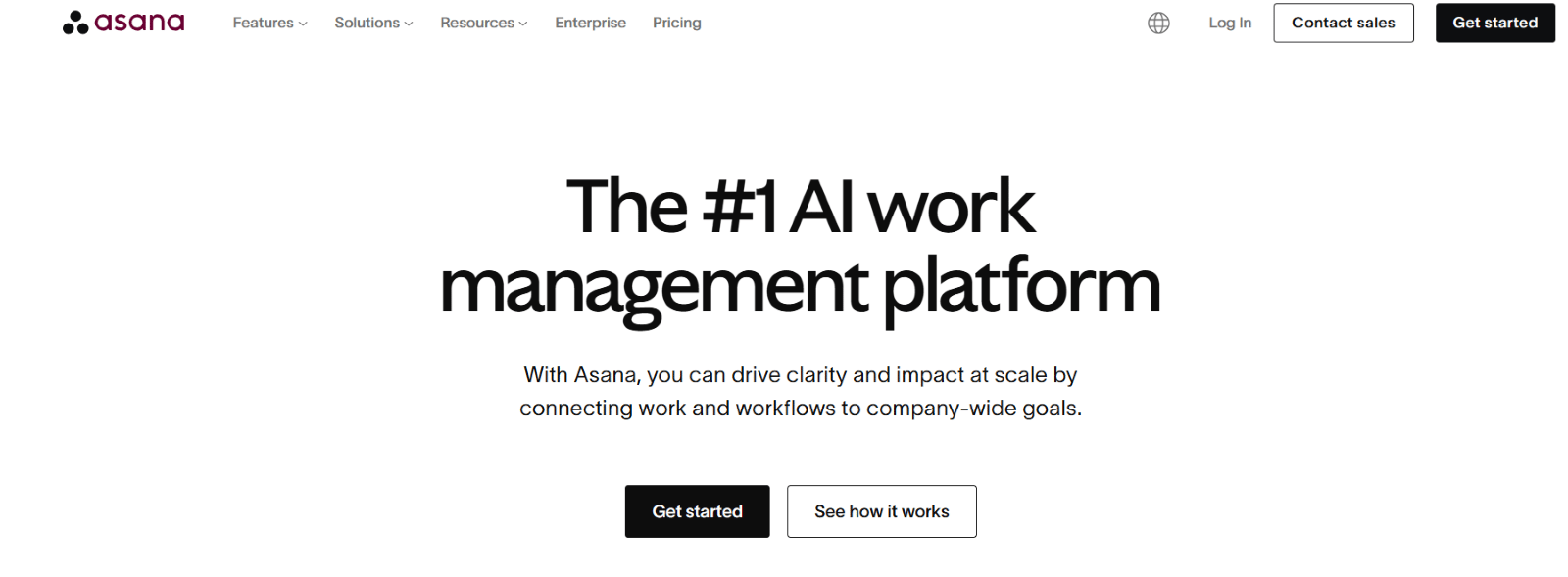
Asana,a versatile task and project management tool known for its intuitive interface, project timelines, and workflow automation. Best for: Teams that want straightforward task tracking without Jira's development-specific complexity.
Interesting fact: Co-founded by Dustin Moskovitz, also a co-founder of Facebook.
2. Trello
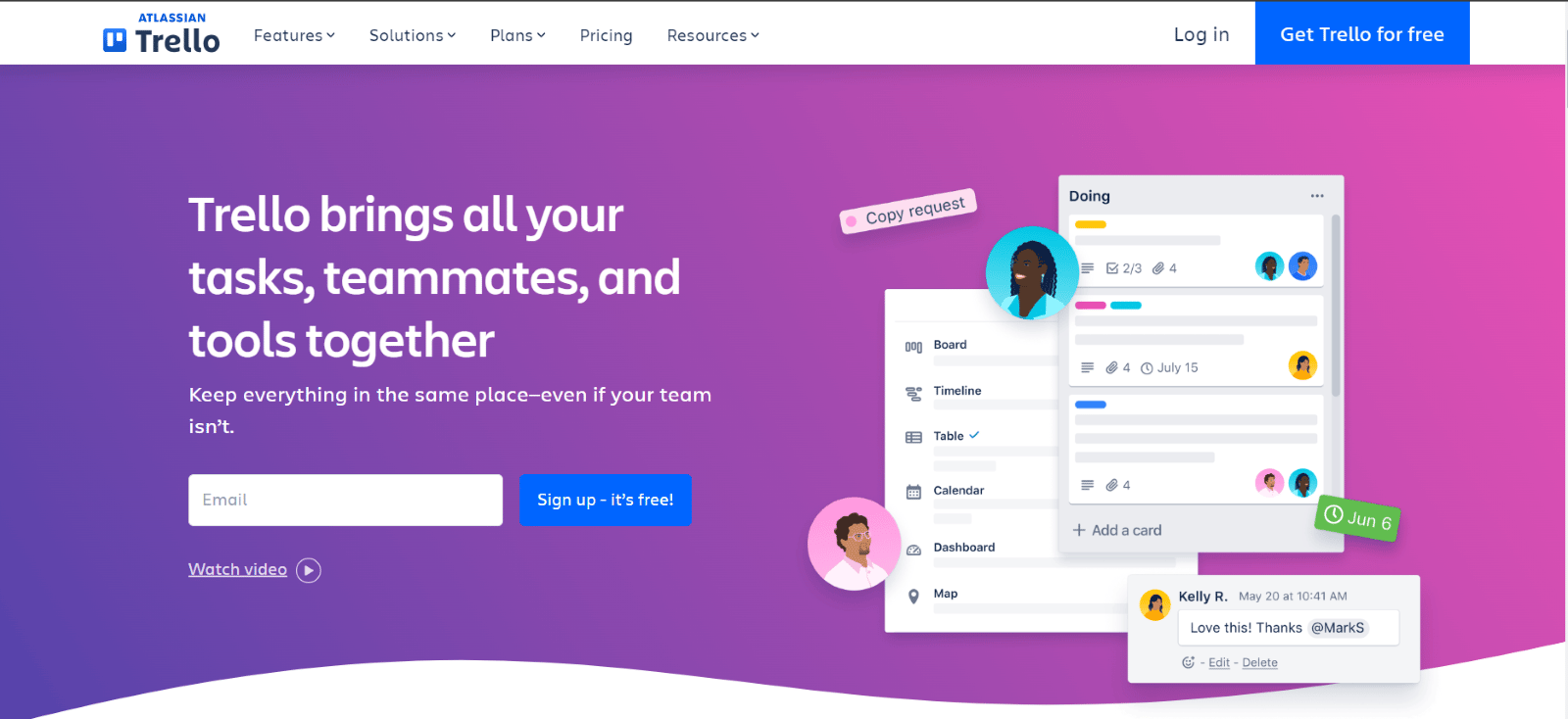
Trello, a visual, card-and-board tool built around drag-and-drop simplicity, with Power-Ups for extending functionality. Best for: Small teams that think visually and don't need deep customization.
Interesting fact: Acquired by Atlassian, the same company that owns Jira, in 2017.
3. Monday.com
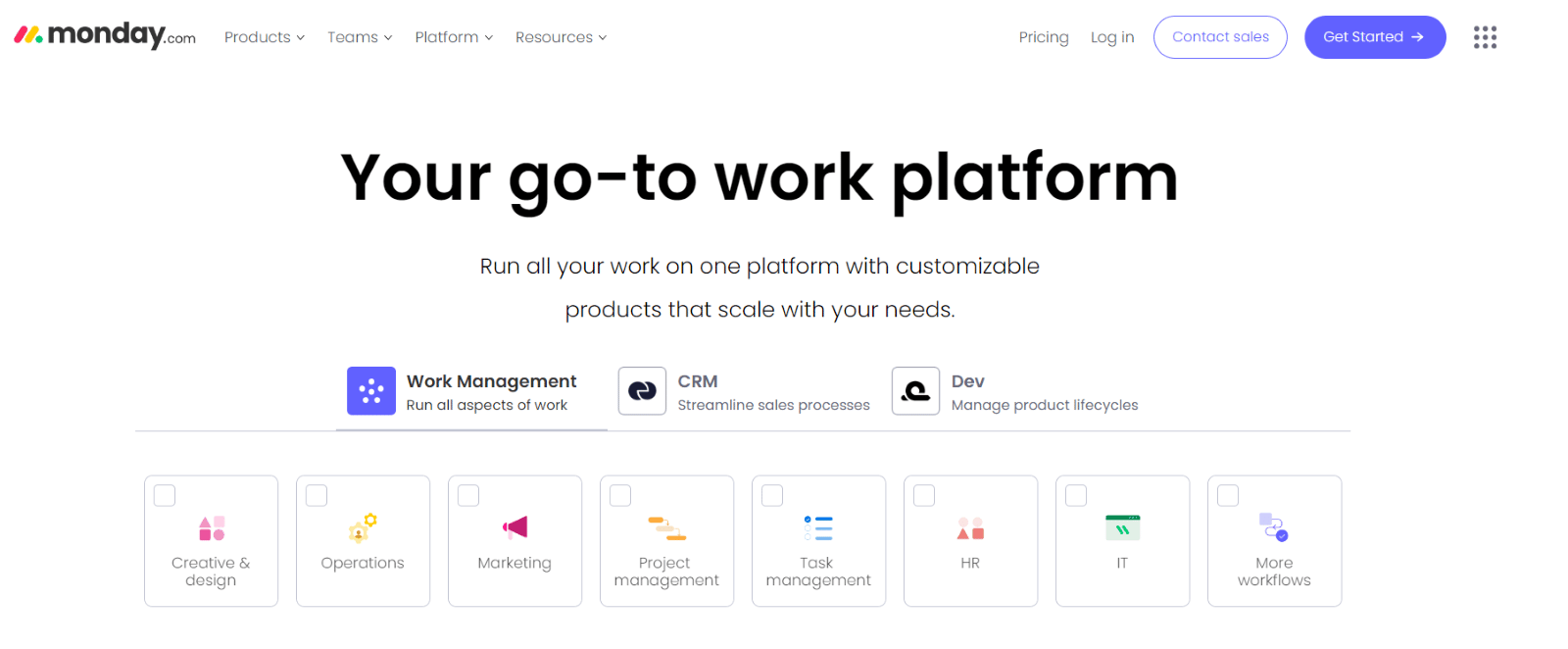
Monday.com, a highly visual work operating system with customizable boards, automation, and cross-team workflow flexibility. Best for: Teams wanting visual, non-technical project coordination across departments.
Interesting fact: Started as an internal project at the Israeli startup Wix.com before spinning out independently.
4. Wrike
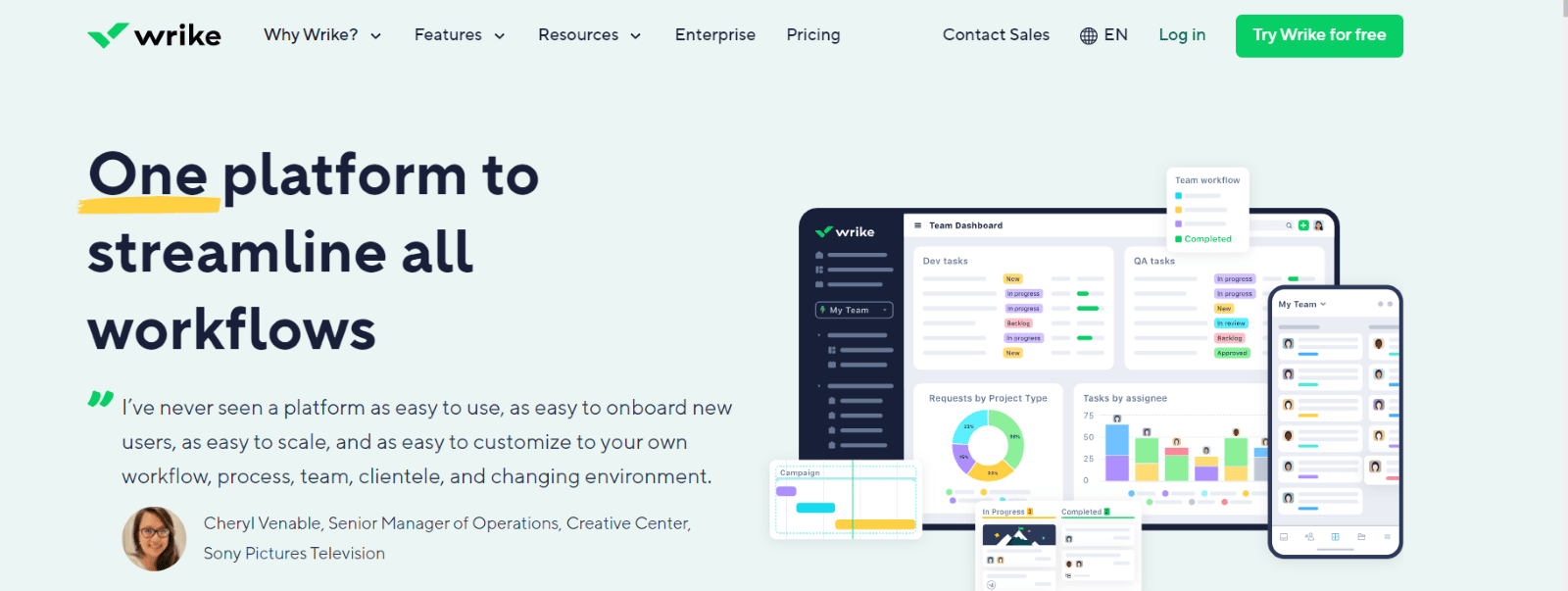
Wrike is a collaborative work management platform with Gantt charts, advanced reporting, and customizable dashboards. Best for: Teams with complex, resource-heavy project planning needs.
Interesting fact: Founded in 2006 and repeatedly recognized as a category leader by industry analysts.
5. ClickUp

ClickUp is an all-in-one productivity platform combining task management, docs, goals, and automation in customizable views. Best for: Teams that want to consolidate several tools into one, at a competitive price point.
Interesting fact: Its free tier supports unlimited members and tasks, unusually generous for the category.
6. Smartsheet
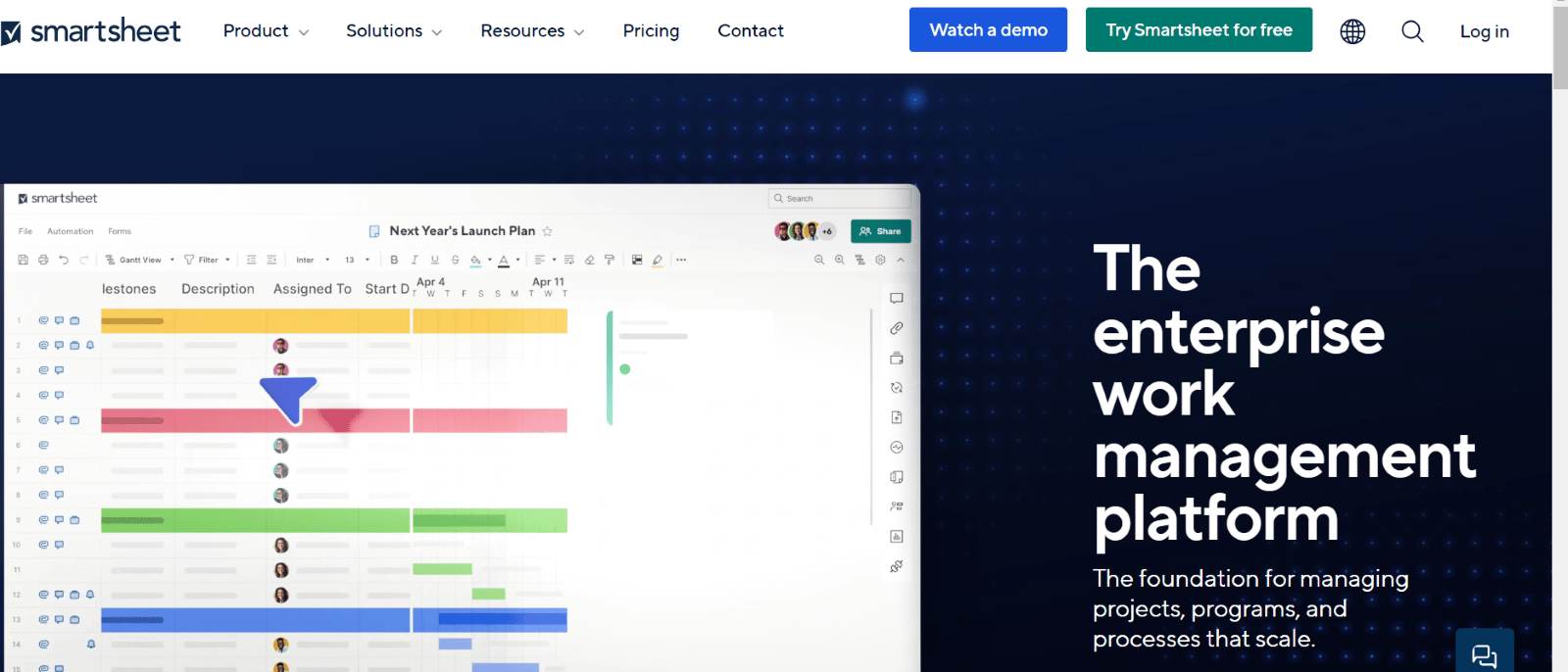
Smartsheet is a spreadsheet-style work management platform with grid, Gantt, and calendar views plus workflow automation. Best for: Teams transitioning from spreadsheets who want familiarity with more automation underneath.
Interesting fact: Used by over 90% of the Fortune 100 since going public in 2018.
7. Basecamp
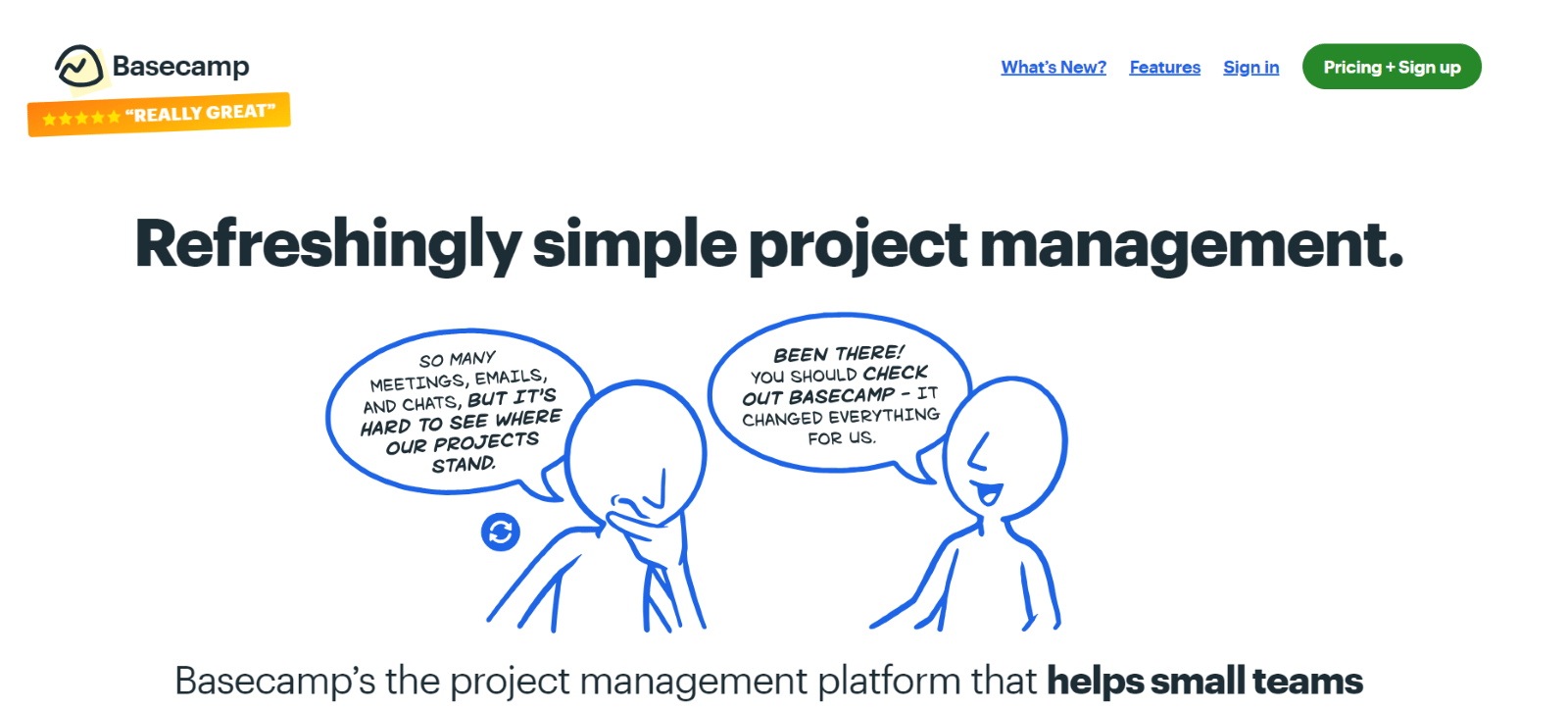
Basecamp is a simplicity-first collaboration tool centered on to-do lists, message boards, and centralized file storage. Best for: Teams that want minimal setup and flat, predictable pricing over deep configurability.
Interesting fact: Originally an internal tool built by the web design company 37signals before becoming a standalone product.
8. Microsoft Project
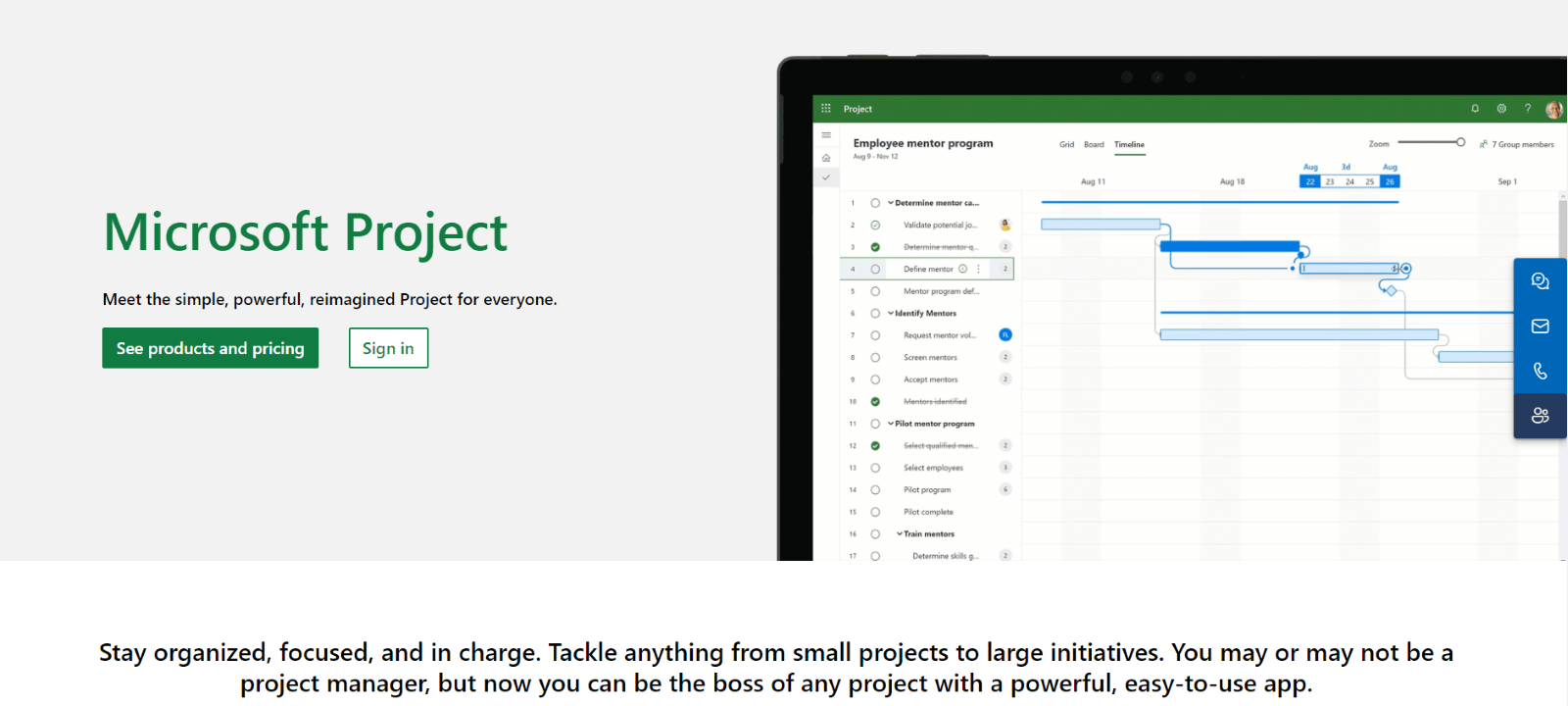
Microsoft Project is a planning and scheduling tool built around Gantt charts, resource allocation, and deep Microsoft 365 integration. Best for: Large enterprises with formal, PMI-aligned project structures.
Interesting fact: In continuous use since 1984, making it one of the oldest project management tools still actively sold.
9. TeamGantt
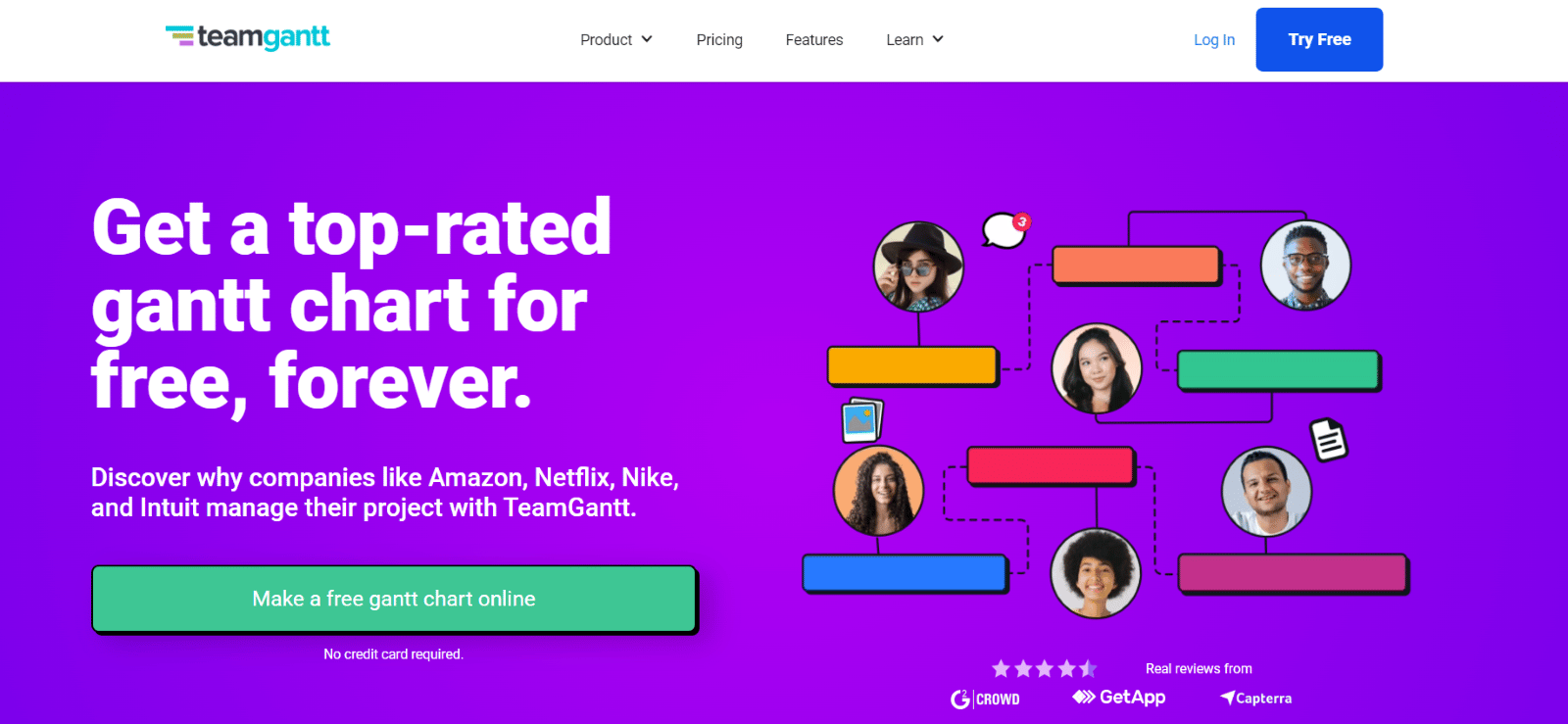
TeamGantt is an online project management software that offers a Gantt chart interface for project planning and scheduling.
Interesting Fact: TeamGantt allows users to easily switch between different project views, such as list and calendar views, enhancing flexibility.
10. Airtable
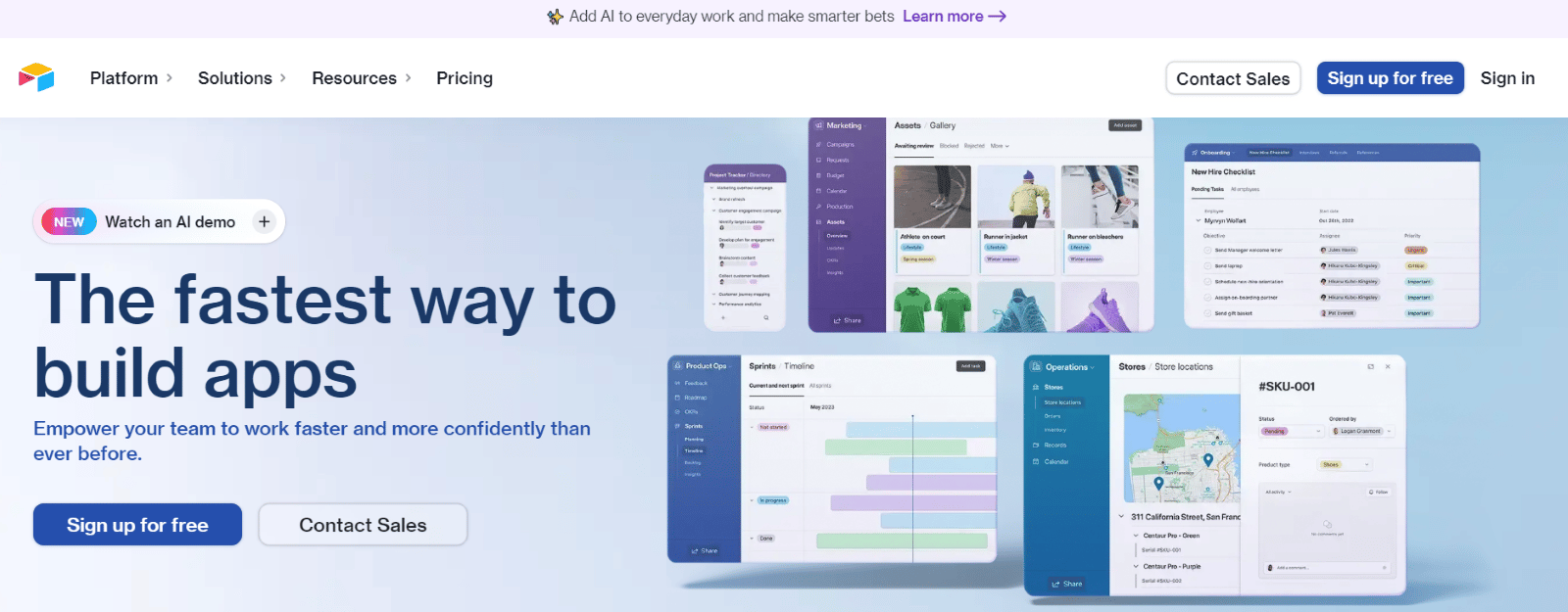
Airtable is a collaboration platform that combines the features of a database and a spreadsheet, designed for project management and data organization. Interesting fact: Its blocks feature lets users add modularmini-apps directly inside a base.
Interesting Fact: Airtable’s unique blocks feature allows users to add modular apps to their bases, extending its functionality.
11. Notion
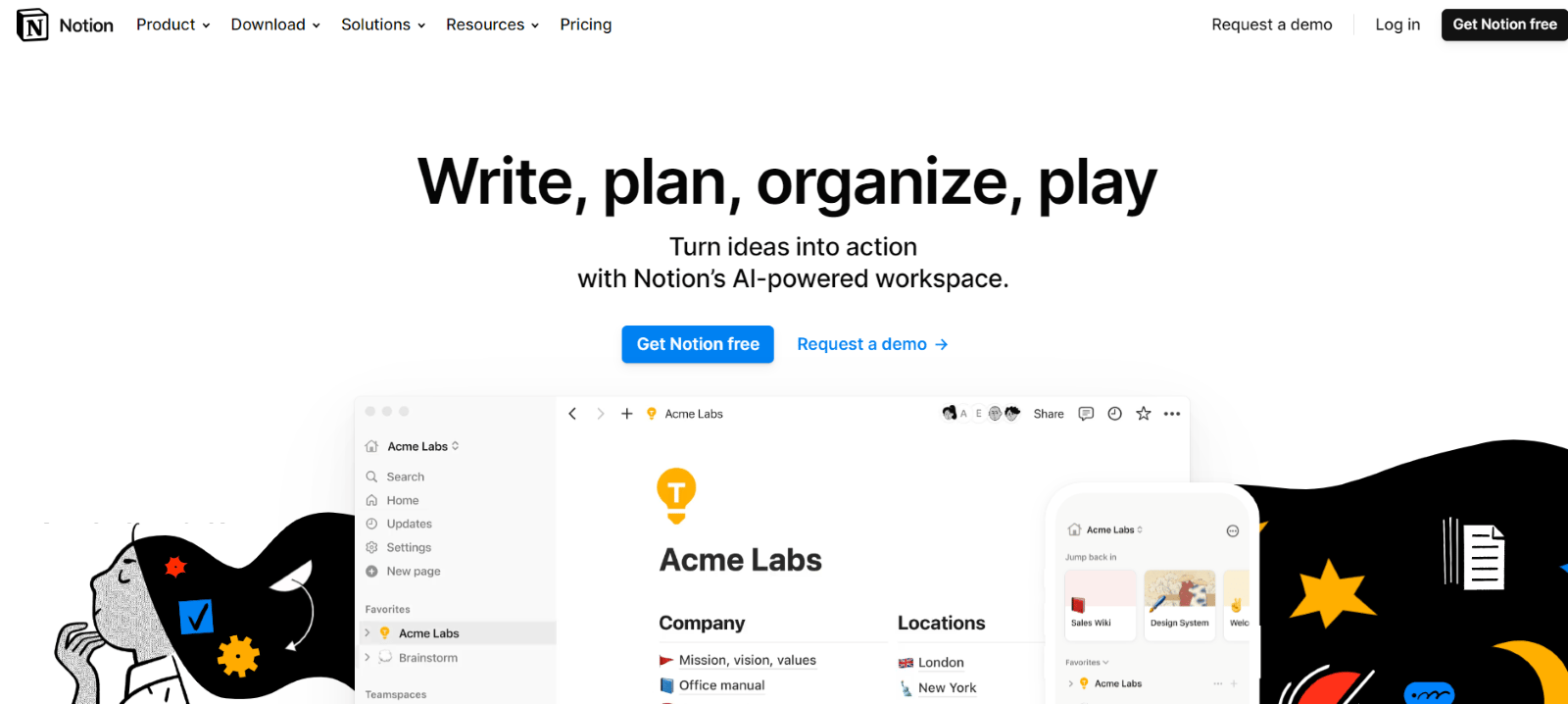
Notion is an all-in-one workspace combining notes, wikis, databases, and task management in one customizable tool. Best for: Teams that want to consolidate documentation and project tracking into a single system.
Interesting Fact: Notion allows users to create custom templates, making it easier to standardize workflows across teams.
12. Zoho Projects
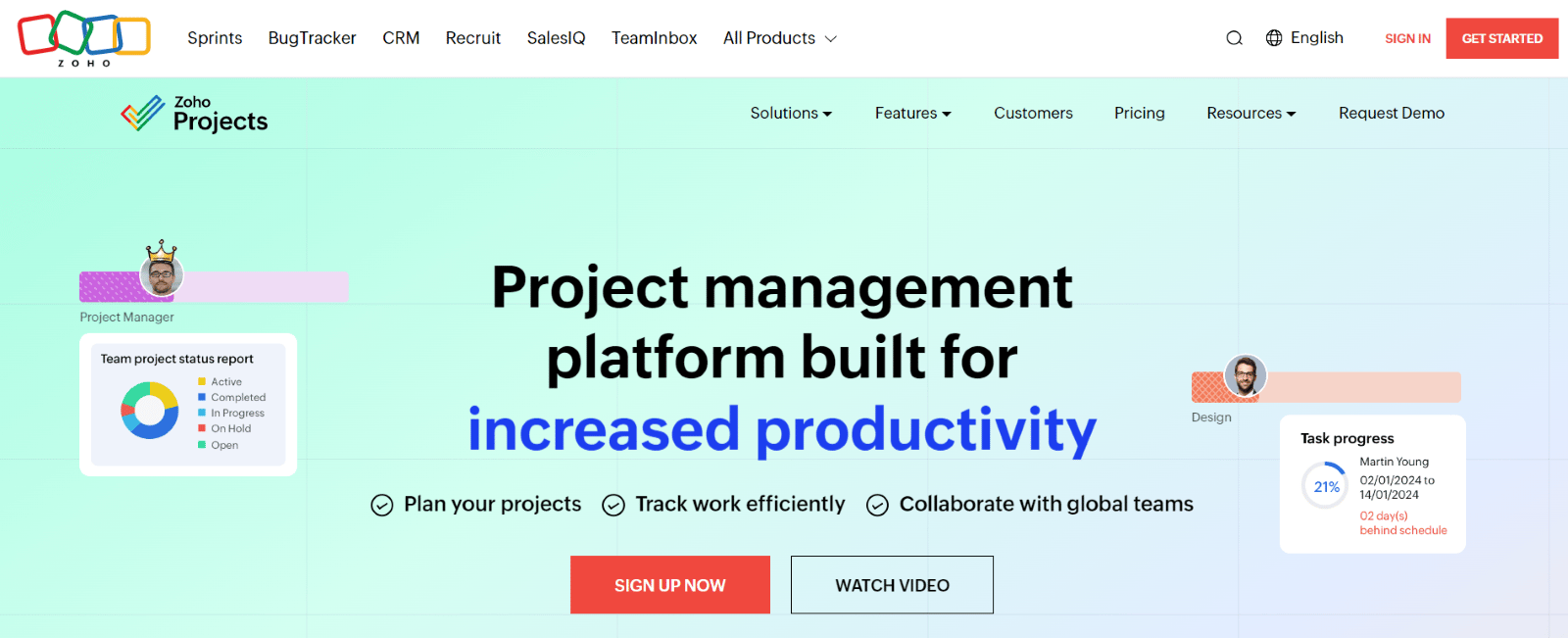
Zoho Projects is a cloud-based project management tool with task lists, Gantt charts, and time tracking, tightly integrated with Zoho's suite. Best for: Organizations already using other Zoho products who want native integration.
Interesting Fact: Zoho Projects is part of Zoho Corporation, which offers over 45 integrated applications for various business needs.
13. Redmine
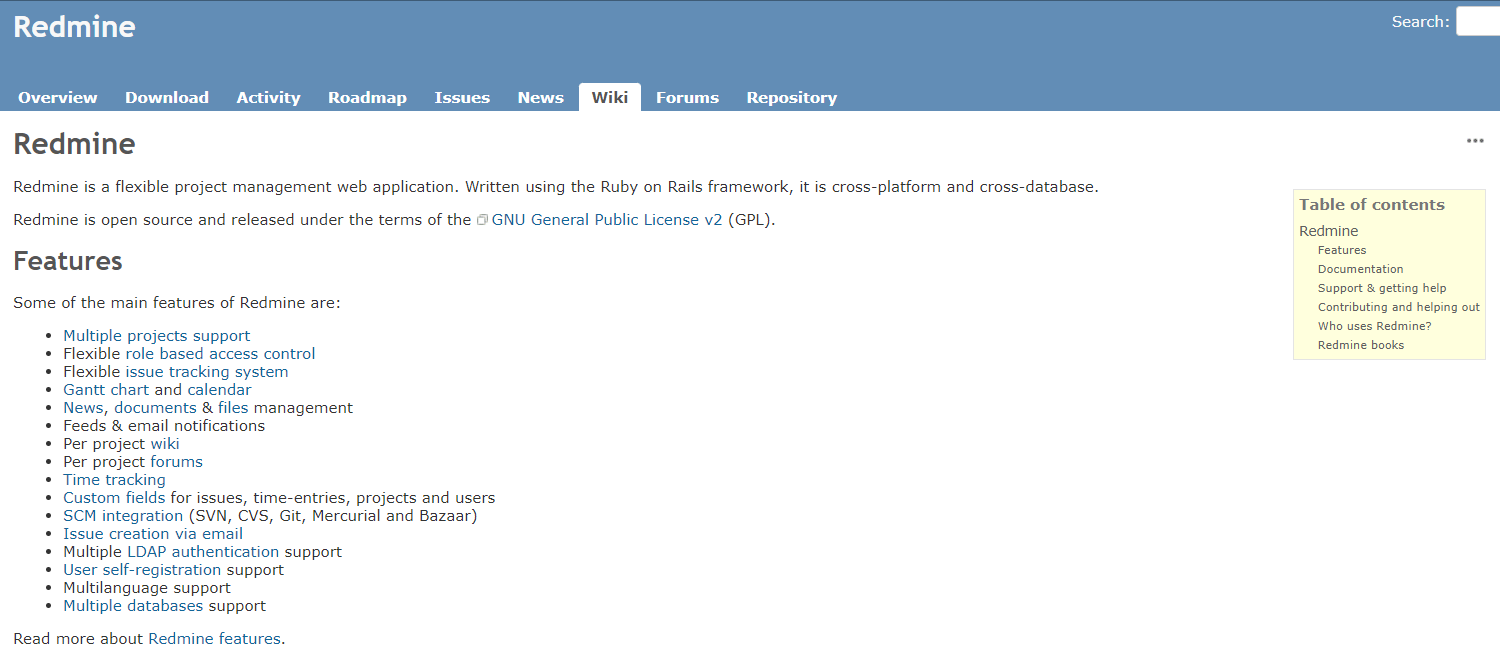
Redmine is a free, open-source project management and issue-tracking tool with customizable workflows and Gantt charts. Best for: Technically capable teams that want full control and zero licensing cost.
Interesting Fact: Redmine supports more than 30 languages, making it accessible to a global user base.
14. ProofHub
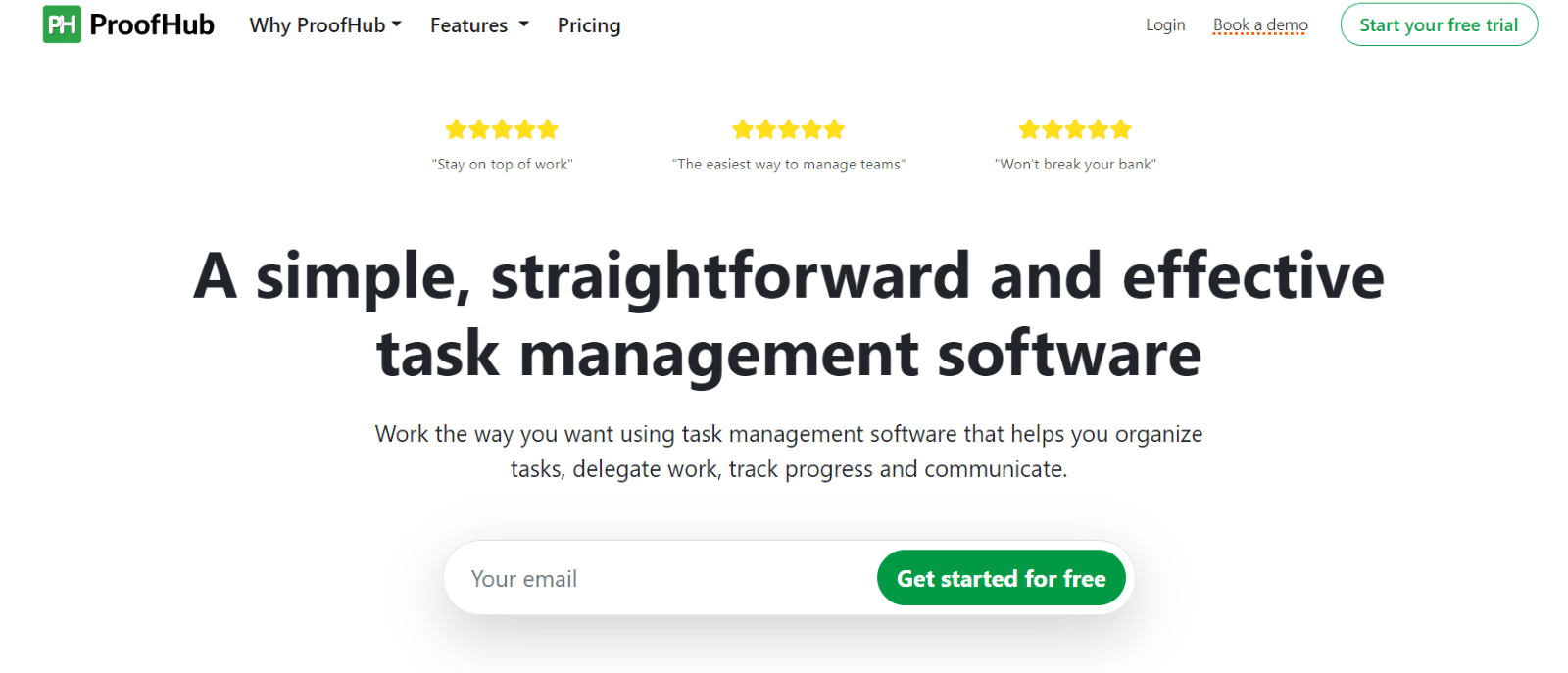
ProofHub i an all-in-one project management and collaboration tool with task lists, workflows, and built-in time tracking. Best for: Teams that want predictable, flat-rate pricing instead of per-user billing.
Interesting Fact: ProofHub offers flat-rate pricing, making it an attractive option for teams of all sizes.
15. Backlog (by Nulab)
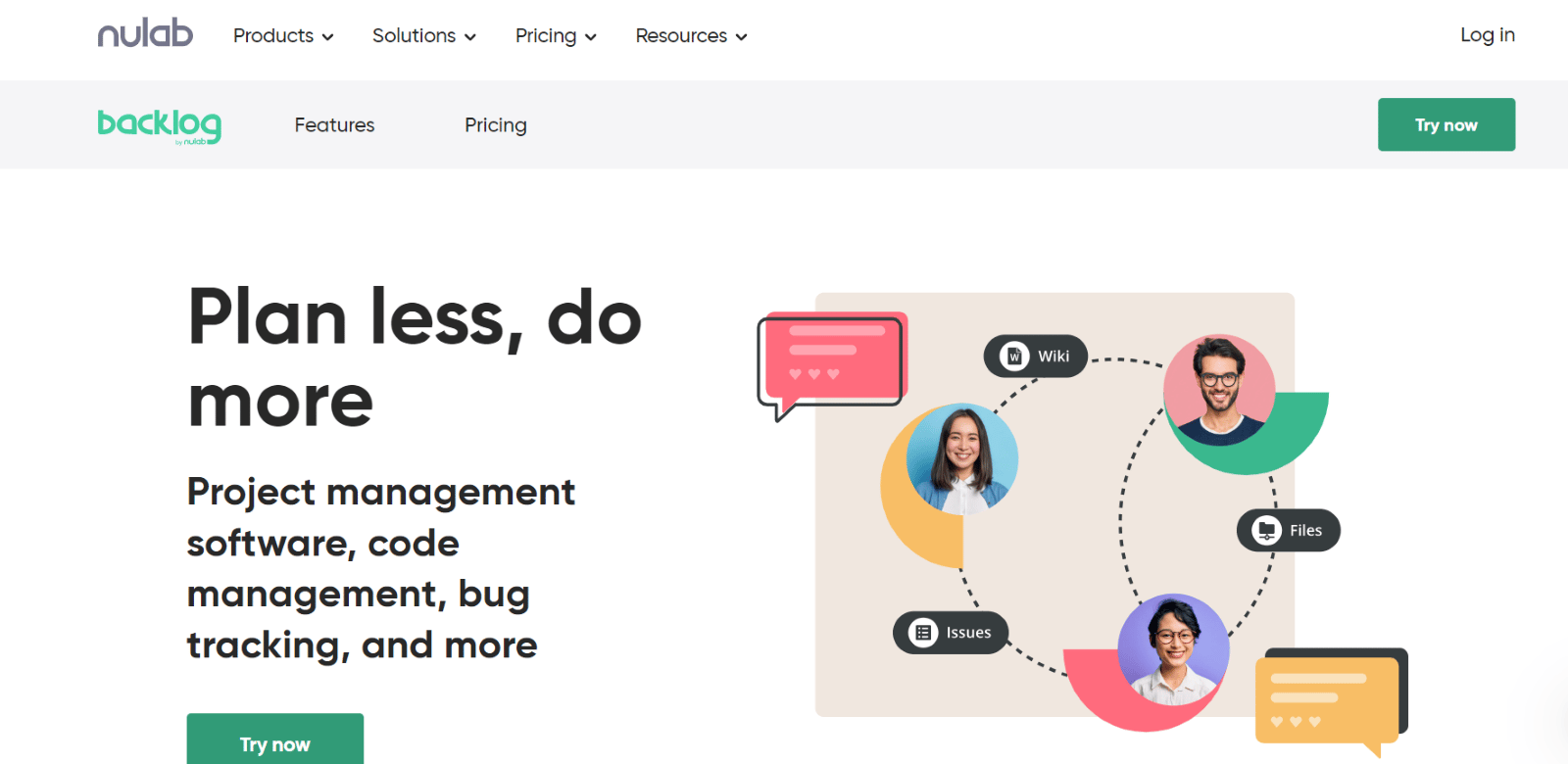
Backlog is a developer-focused project management tool combining task tracking, bug tracking, and integrated Git/Subversion repositories. Best for: Development teams that want project management and code repositories in one place.
Interesting Fact: Backlog is developed by Nulab, which also offers other collaboration tools like Cacoo and Typetalk.
How Do You Actually Choose Between These Fifteen?
Feature lists get people only partway there. In practice, the decision usually comes down to three questions: how technical is the team (Jira, Redmine, and Backlog lean toward developers; Asana, Trello, and Monday.com don't require it), how much structure does the work actually need (Microsoft Project and Wrike for formal, resource-heavy planning; Trello and Basecamp for lightweight tracking), and what's the real budget per seat once the free tier is outgrown, which the pricing table above exists to answer directly rather than leaving to a sales call.
Why Does Integration With Existing Systems Still Matter, Whichever You Pick?
No matter which tool wins the decision, it rarely operates alone. Real-time data synchronization and cohesive collaboration across the rest of a company's systems, ITSM platforms, monitoring tools, CRMs, matter as much as the project management tool's own feature set. ZigiOps connects Jira and any of the alternatives above with the rest of an enterprise's stack through a no-code, guided configuration, without requiring development resources to build or maintain the connection.
If you need to integrate Jira into your systems (or any other system) do not hesitate to book a short meeting with our tech team. It does not cost a thing, but it can help your company enhance its performance.